Social Media Toolkit
Building Blackboard Together 2026 is coming and it’s time to get it on everyone’s radar.
Whether presenting, attending, or just excited to be part of it, this toolkit gives you everything you need to share.
Stay updated: Follow Blackboard on LinkedIn, X, Facebook, BlueSky, and Instagram for the latest #BbT26 updates.
How it works
- Download a social tile or create one with our templates below
- Use one of our pre-written captions or write your own
- Post it on your social media
- Add #BbT26 and join the global conversation
- Get ready to have a great time at BbT26
Attending? Start here.
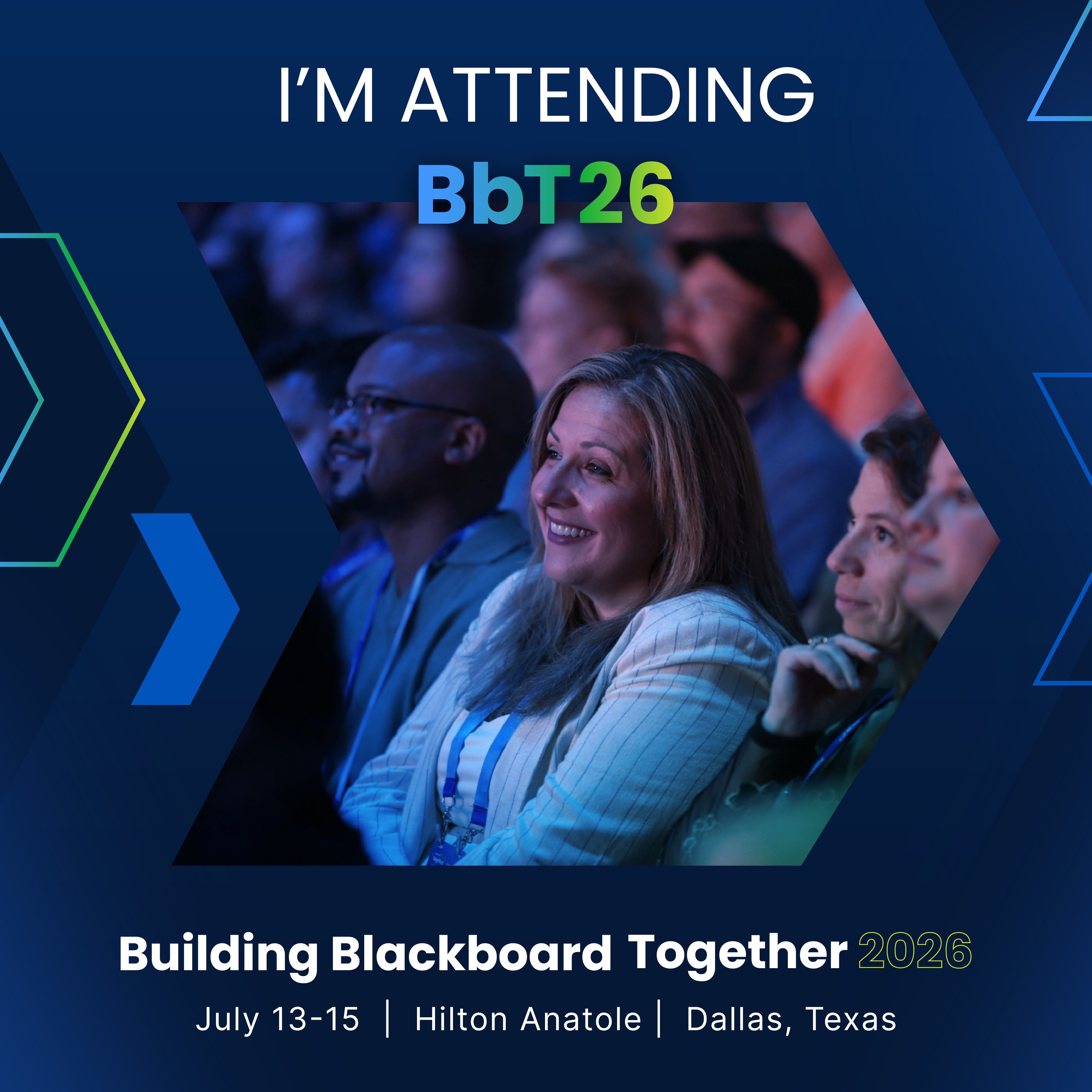
Let people know you’re going:
Currently blocking my calendar for #BbT26. Three days of insights, inspiration, and useful takeaways? Yes, please. See you in Dallas!
#BbT26 is officially on my agenda. Looking forward to the sessions, the people, and the “that’s actually a great idea” moments.
Who else is going to #BbT26?
Looking forward to learning from the best and meeting the community behind it all.
Speaking?
Let people know you’re going:
I’m speaking at #BbT26! Join me for [SESSION TITLE]
Register: [https://conference.blackboard.com/]
Let’s talk about what’s next in teaching and learning. Catch me at #BbT26 sharing ideas on [TOPIC]
Don’t miss my session at #BbT26: [SESSION TITLE]
Register here: [https://conference.blackboard.com/]
Social Tiles
Ready to post (no edits needed)
Download a pre-designed tile, right-click “Save Image As,” and post instantly—no edits required.
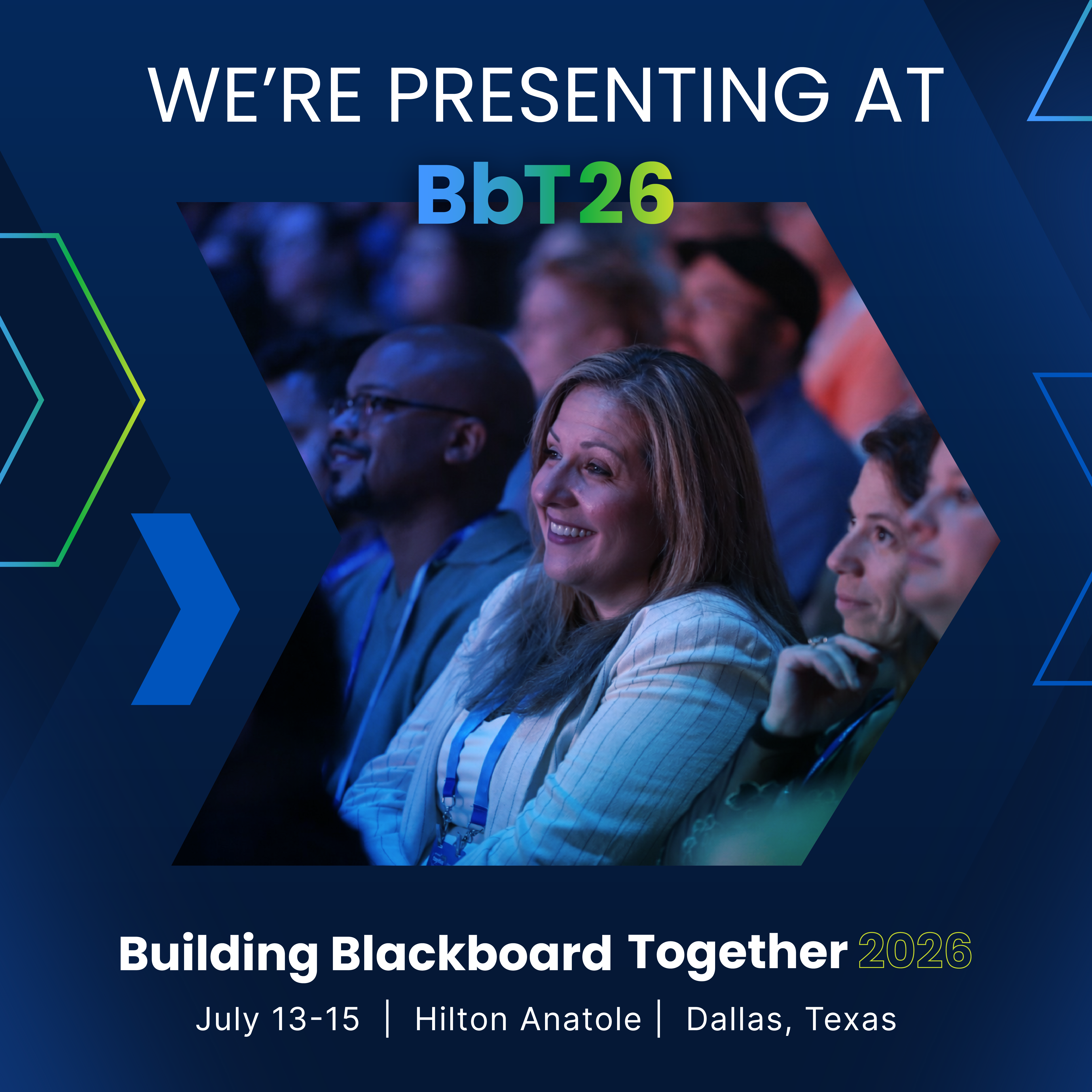
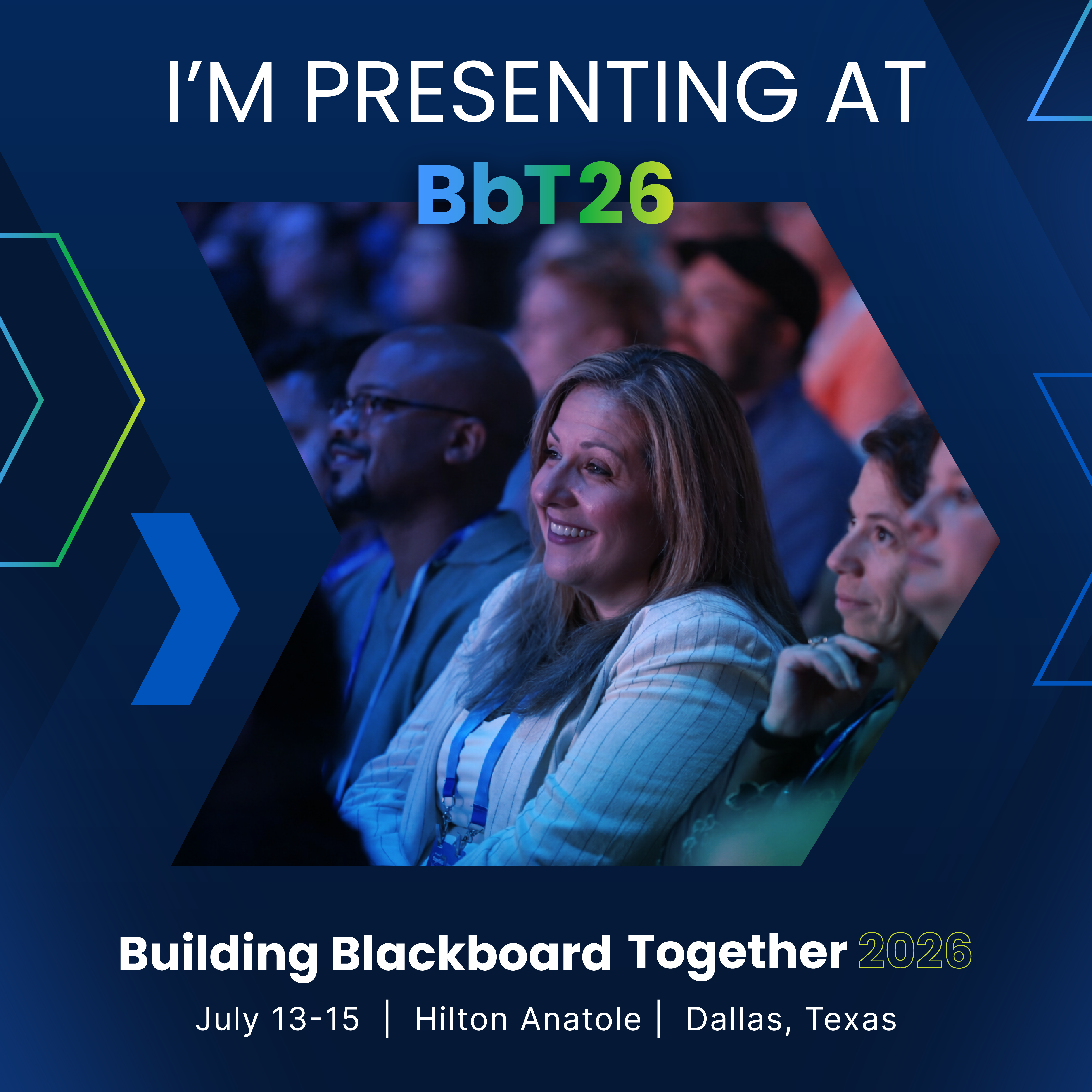
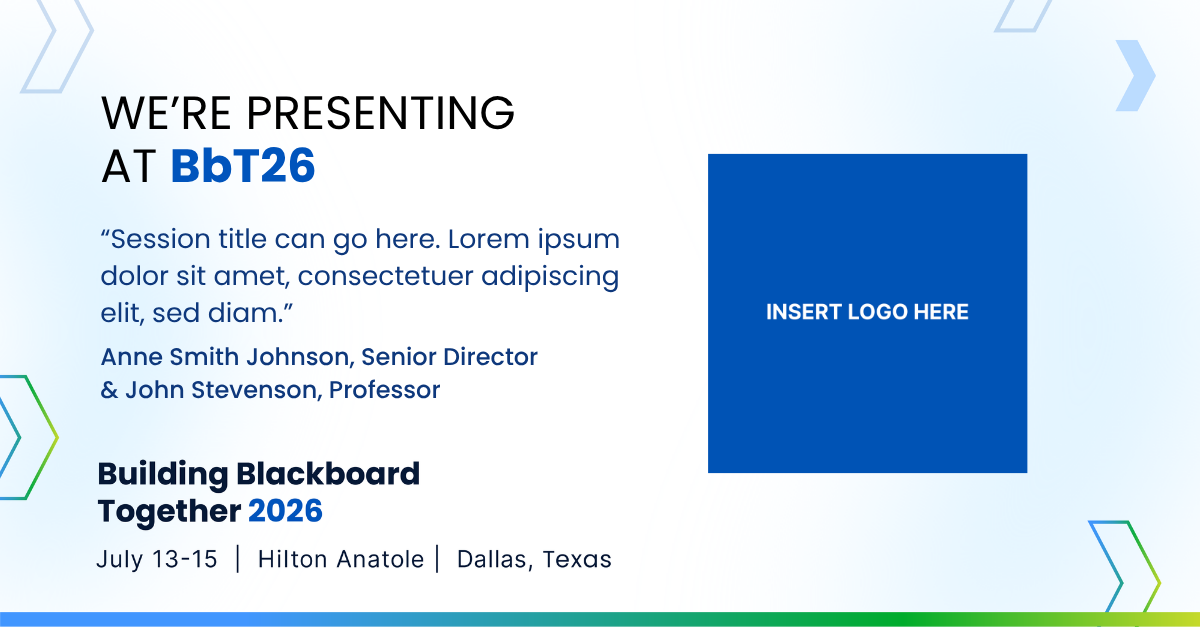
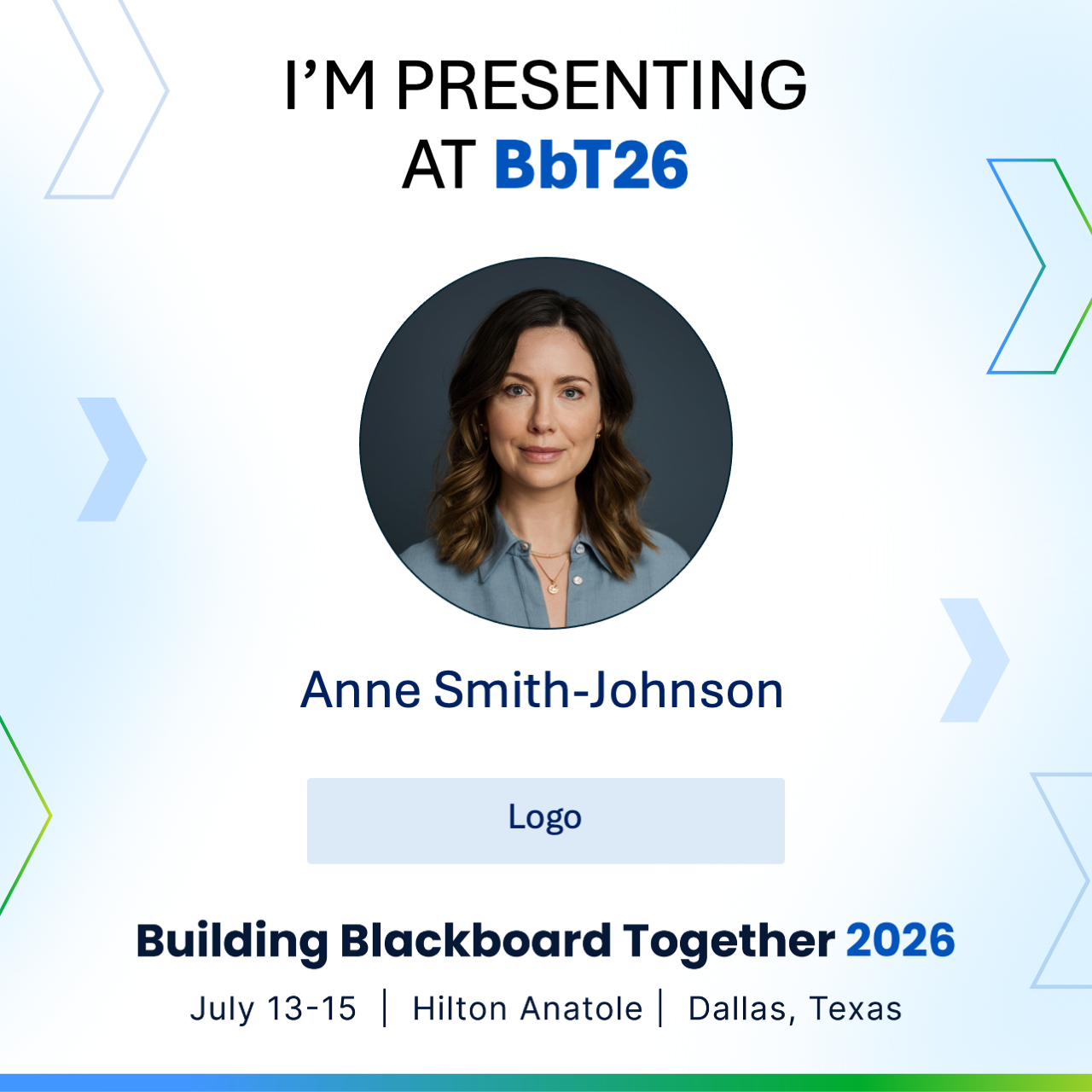
Presenting at #BbT26
Use the Presenter PowerPoint template to add your session details, names, and logo, with options for solo speakers or teams.
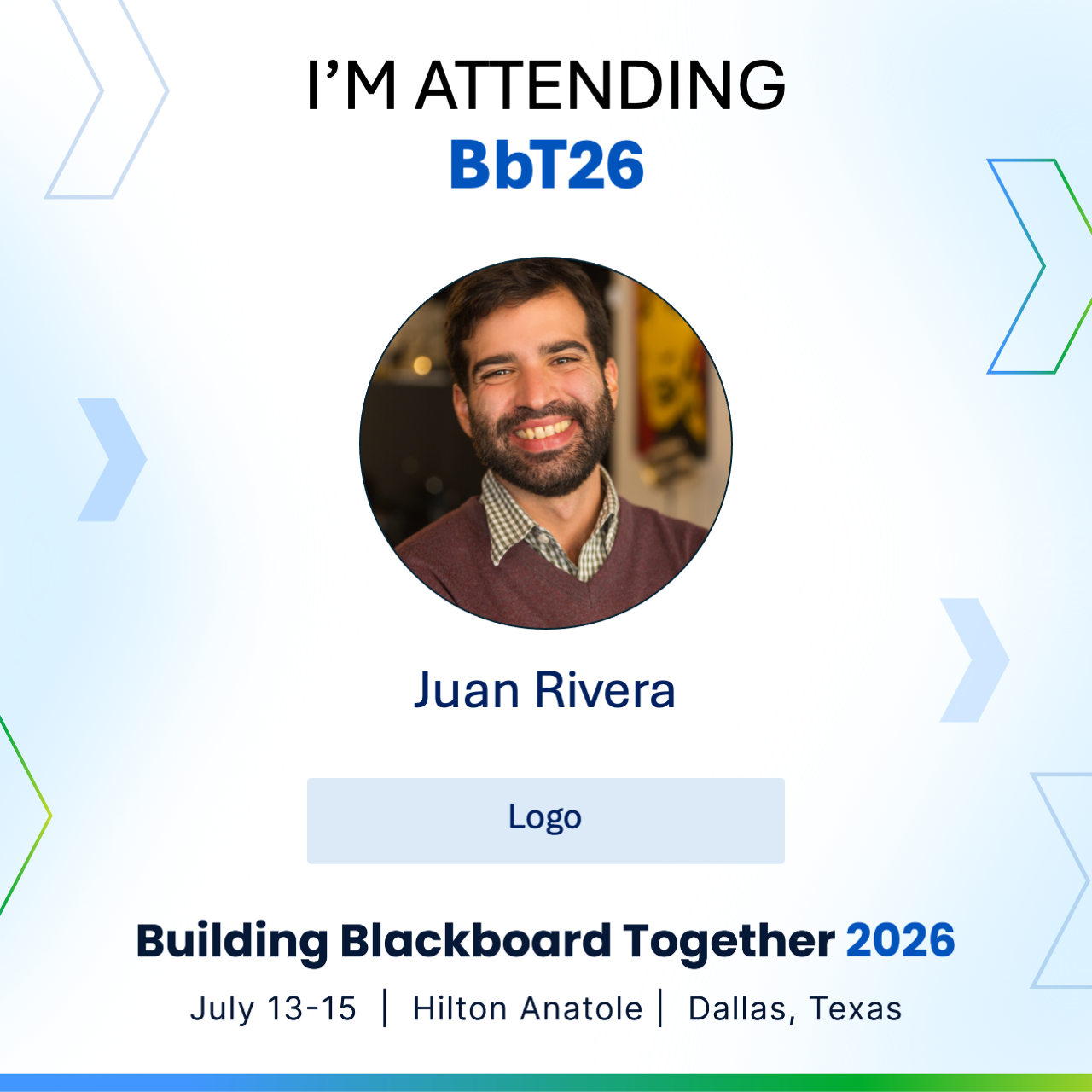
Attending #BbT26
Personalize a tile by adding a photo and logo to quickly share attendance.
Sponsors
Add a logo to a downloadable tile or customize using the Canva template link (free Canva account required).